Currently Empty: ₦0.00
Product Description
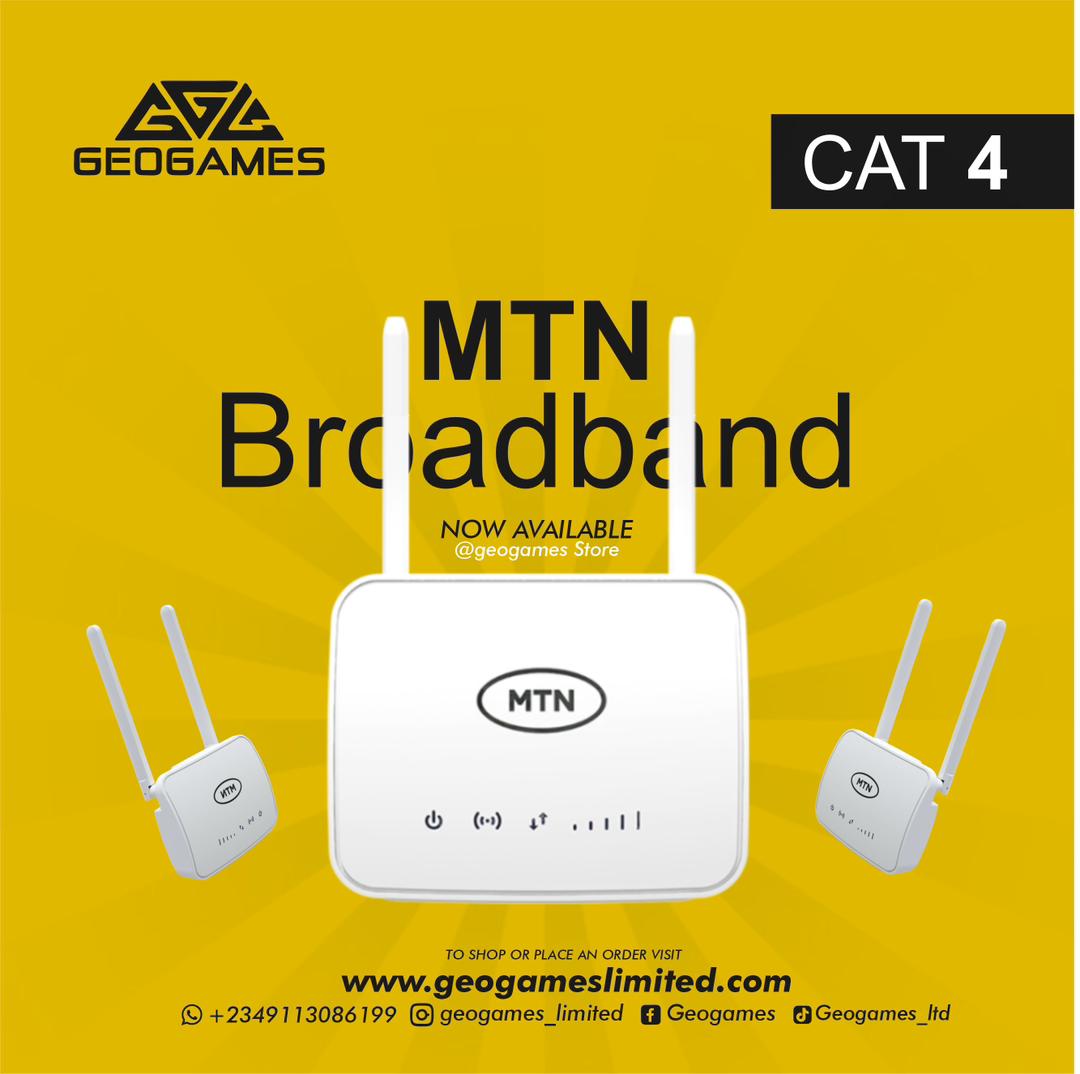
MTN CAT 4 Broadband refers to an LTE Category 4 4G Wi-Fi router from MTN (a major telecom provider, especially in Nigeria), offering speeds up to 150Mbps download, designed for home/office internet via a SIM card, providing reliable connectivity with plans and bonuses, often bundled with data upon purchase for smooth streaming and browsing. These devices (like ZLT models) support multiple users, often have antenna ports, and connect to MTN’s robust 4G network for affordable, high-speed internet access.
Key Features & What it Means:
- LTE Category 4 (Cat4): A specific 4G technology standard allowing theoretical maximum download speeds of 150 Mbps and uploads around 50 Mbps, suitable for HD streaming and general use.
- 4G LTE: Connects to MTN's mobile data network for internet access, often faster and more reliable than 3G.
- Wi-Fi Hotspot: Broadcasts a Wi-Fi signal, allowing multiple devices (phones, laptops, smart TVs) to connect simultaneously.
- Router Device: A physical box (e.g., ZLT T10D, S20) that houses the SIM card and manages the internet connection.
- Data Plans: Uses specific MTN Router Broadband plans, often with data bonuses and add-ons, subscribed to via USSD or the myMTNApp.


There are no reviews yet.